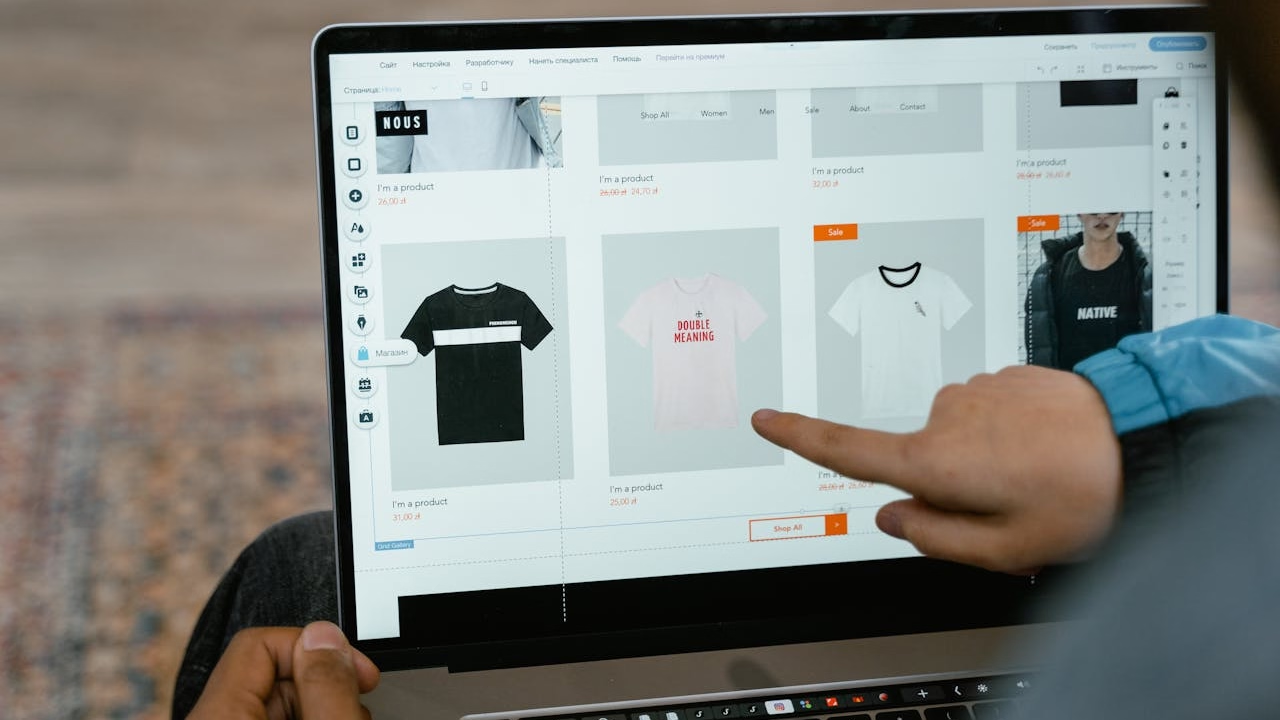
Your WordPress homepage gets one shot. Google’s research puts the average first impression at 50 milliseconds. If your homepage fails that test, visitors bounce before they scroll. I run a WordPress homepage audit on every client site I touch, and these five questions catch 90% of the problems I find.

1. Does the above-the-fold section say exactly what you do?
Open your homepage on a laptop. Look at the content visible before scrolling. If a stranger can’t name your business, your location, and your primary service in under five seconds, you have a messaging problem. I see this constantly with WordPress sites that stack a full-width slider above their value proposition. Pull up your page in the block editor, move the heading block above the image, and make your offer impossible to miss.
2. Is there one clear call to action?
HubSpot data shows that pages with a single CTA convert 266% more than pages with multiple competing options. Open your homepage and count the buttons. If you have “Learn More,” “Get a Quote,” “Shop Now,” and “Read Our Blog” all fighting for attention, you’re splitting clicks. Pick one primary action and build around it. The block editor’s Buttons block lets you set one prominent button with a secondary text link underneath. For a deeper breakdown, I wrote a full call-to-action guide that covers placement and copy.
3. What does your heatmap actually show?
Install Microsoft Clarity (free) and let it run for two weeks. I guarantee your visitors are not clicking where you think they are. Heatmaps expose dead zones, rage clicks on non-clickable elements, and scroll depth drop-offs. On one Sacramento client site, Clarity showed 68% of visitors never scrolled past the third section. We moved the booking form up two sections and conversions increased by 34%.
4. Does your homepage load in under 2.5 seconds?
Google’s Core Web Vitals set 2.5 seconds as the threshold for Largest Contentful Paint. Run your URL through PageSpeed Insights right now. If you’re over that number, start with images. WordPress sites bloat fast when every hero image is a 3MB PNG. Convert to WebP, enable lazy loading in your theme settings, and install a caching plugin. Those three changes alone typically cut load time by 40-60%.
5. Does the mobile version actually work?
GA4 data across my client portfolio shows 62-74% of traffic comes from mobile devices. Pull up your homepage on your phone. Tap every button. Fill out every form. If the navigation menu covers your CTA or text runs off the screen, your homepage needs a rebuild. The block editor’s responsive controls let you adjust padding and font sizes per breakpoint. Use them.
Run Your WordPress Homepage Audit Today
These five questions take about 30 minutes to answer. The fixes they reveal can change your conversion rate overnight.
How often should I audit my WordPress homepage?
I run a full WordPress homepage audit quarterly and a quick check after every major content or plugin update. Seasonal businesses should audit before each peak season.
What tools do I need for a homepage audit?
Google PageSpeed Insights (free), Microsoft Clarity (free), and GA4. That stack gives you speed data, behavioral heatmaps, and traffic patterns without spending a dollar.
Can I audit my homepage without a developer?
Yes. Every question in this list uses free tools and native WordPress block editor features. If the fixes go deeper than content and layout changes, reach out and I’ll walk through the technical side with you.