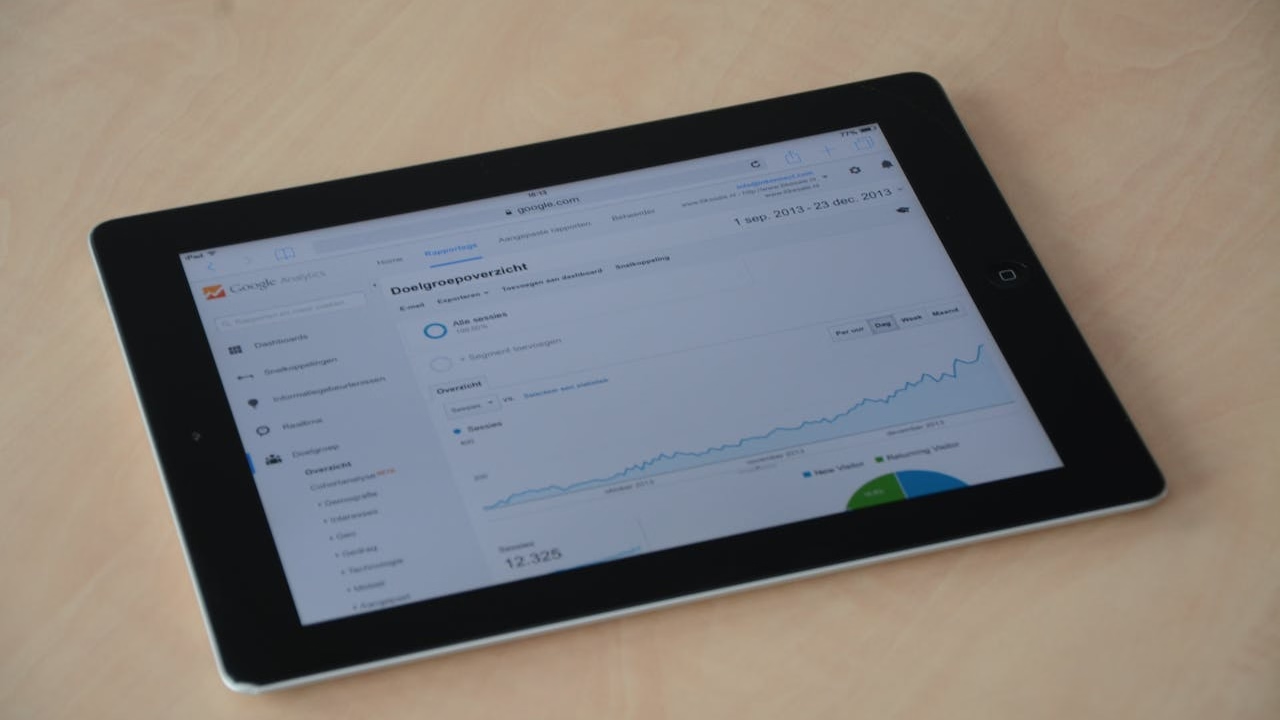
Every WordPress site gets visitors from somewhere. The question is whether you know where and whether you’re doing anything about it. Understanding your website traffic sources is the difference between guessing and growing.
I break traffic into five channels: organic search, direct, referral, social, and paid. GA4 groups them the same way, and if you’re running WordPress, the easiest path to that data is Google’s Site Kit plugin. It puts your Analytics dashboard right inside wp-admin, no code required.

The Five Traffic Sources That Matter
Organic search is the big one. According to BrightEdge research, 53% of all trackable web traffic comes from organic search. For most WordPress sites I work with, it’s the largest single channel. Building this traffic takes consistent publishing and solid on-page SEO. I wrote a full guide on WordPress blog SEO that covers the technical side.
Direct traffic means someone typed your URL or used a bookmark. High direct traffic signals strong brand recognition. It also catches visits where GA4 can’t identify the source, so the number is always slightly inflated.
Referral traffic comes from links on other websites. Guest posts, directory listings, partner sites. Every backlink is a potential referral stream. Quality matters more than quantity here.
Social traffic arrives from platforms like Facebook, LinkedIn, Instagram, and X. For most small business WordPress sites, social accounts for 5-10% of total visits. The key is tracking which platform actually sends clicks, not just impressions. I cover how to connect GA4 to your social channels in my post on Google Analytics and social media.
Paid traffic is anything you buy: Google Ads, Meta ads, sponsored posts. Always tag paid campaigns with UTM parameters so GA4 can separate them from organic clicks.
How to Track Sources in WordPress
Install Site Kit by Google. It connects GA4 to your WordPress dashboard in about three minutes. Once it’s running, navigate to Site Kit > Analytics > Acquisition to see your channel breakdown.
For campaigns, use UTM parameters on every link you share. Google’s Campaign URL Builder is free. Tag the source, medium, and campaign name. GA4 picks them up automatically and sorts the traffic into the right channel.
Check your traffic sources weekly. Monthly is too slow to catch problems. If organic drops 20% in a week, you want to know before it becomes a trend.
Growing Each Channel
The fastest way to grow organic traffic is publishing keyword-targeted blog content on a regular schedule. For referral traffic, build relationships and earn backlinks. Social traffic grows when you have a content promotion strategy that puts every post in front of your audience across multiple platforms.
The real unlock is understanding which channel converts best for your business, not just which one sends the most visits. A hundred referral visitors who book consultations beat ten thousand social visitors who bounce.
FAQ
How do I see my website traffic sources in WordPress?
Install the Site Kit plugin by Google. It connects Google Analytics 4 to your WordPress dashboard. Go to Site Kit > Analytics > Acquisition to view traffic by channel: organic, direct, referral, social, and paid.
What are UTM parameters and why do they matter?
UTM parameters are tags you add to URLs so GA4 can identify exactly where a click came from. They track source (e.g., facebook), medium (e.g., social), and campaign name. Without them, GA4 lumps many visits into “direct” or “unassigned.”
Which traffic source is most valuable for small business websites?
Organic search traffic typically delivers the highest ROI because it compounds over time. BrightEdge data shows organic drives 53% of website traffic on average. Once a page ranks, it generates visits without ongoing ad spend.
Understanding your website traffic sources is step one. Acting on that data is where real growth happens. If you need help setting up GA4 tracking or building a content strategy that drives organic traffic, get in touch.